Know your battery.
Extend its life.
A portable Windows utility for real-time charge & discharge curves, multi-day saved history, wear analytics, longevity forecasting and smart power automation — computed entirely on your machine.
Windows 10 / 11 · x64 · no install · no admin rights · no .NET pre-install needed (portable)
Feature Overview
Fifteen full pages of battery intelligence — from live curves to a chemistry encyclopedia.
🔋 Live Battery Status
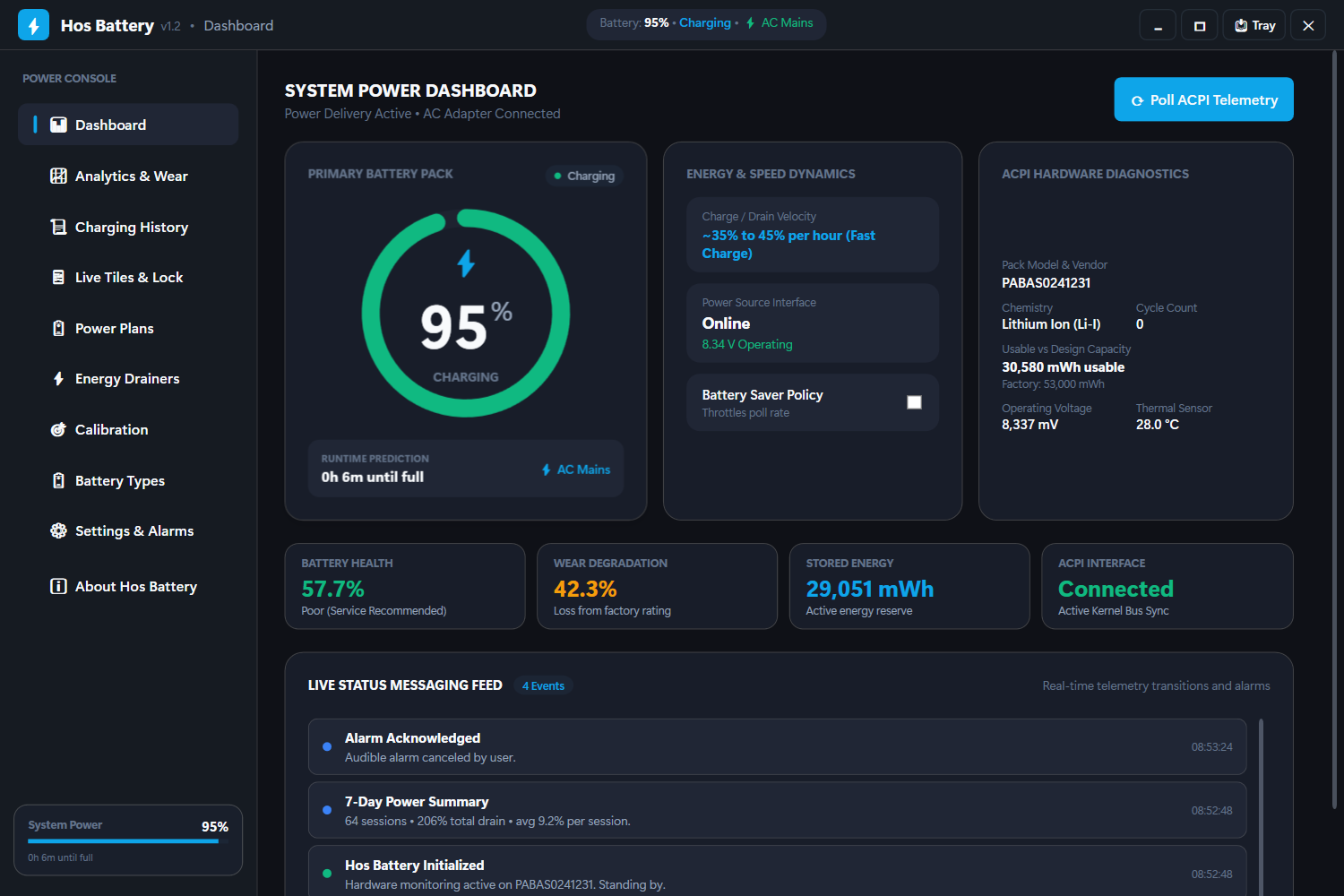
Percentage, status, power source and time-remaining — plus wear level, health %, design vs. full capacity, cycles, voltage and OEM data straight from WMI/ACPI.
- Live status feed with alarms
- Clean desktop mode when no battery
📈 Interactive Curves
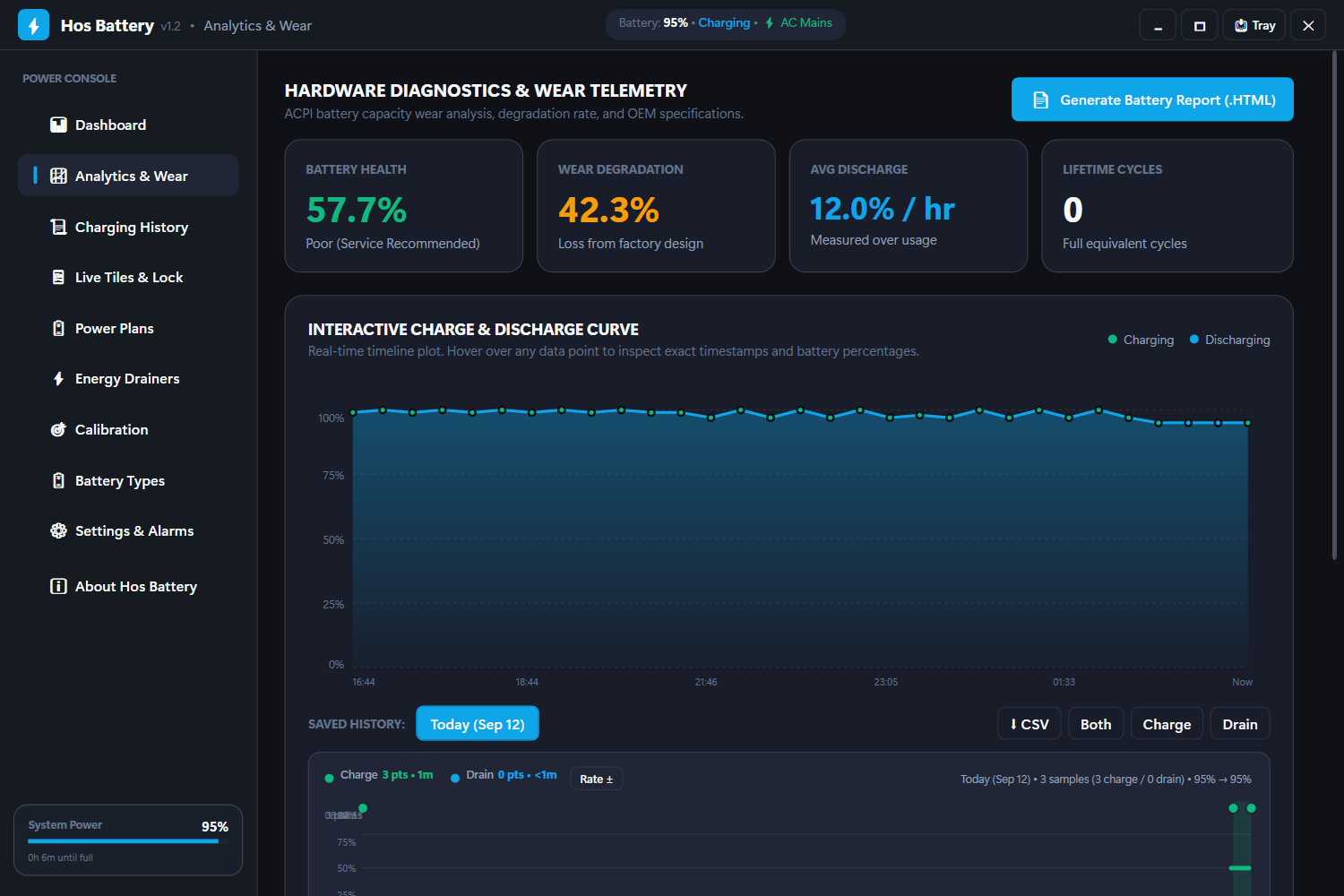
Saved charge & discharge curves per day with a ±%/h rate timeline. Area fills, gridlines, hover tooltips with exact time, state and rate.
- Filter: Both / Charge / Drain
- Sleep-gap aware — no fake drain lines
📜 Session Archive
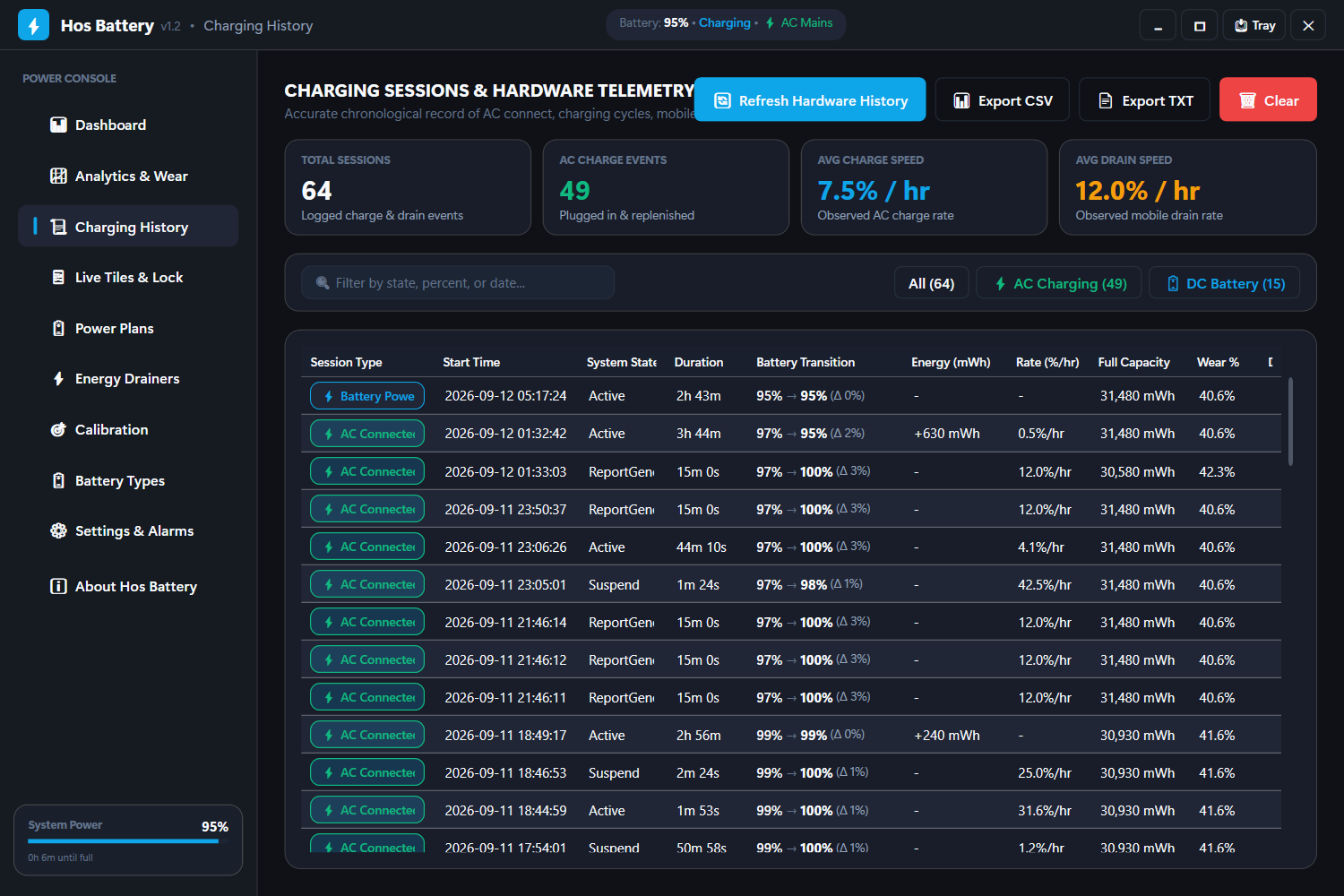
Every AC plug-in/out logged with energy deltas (mWh), durations and wear snapshots.
- CSV / TXT export
- One-click clear
⚡ Power Plans & Automation
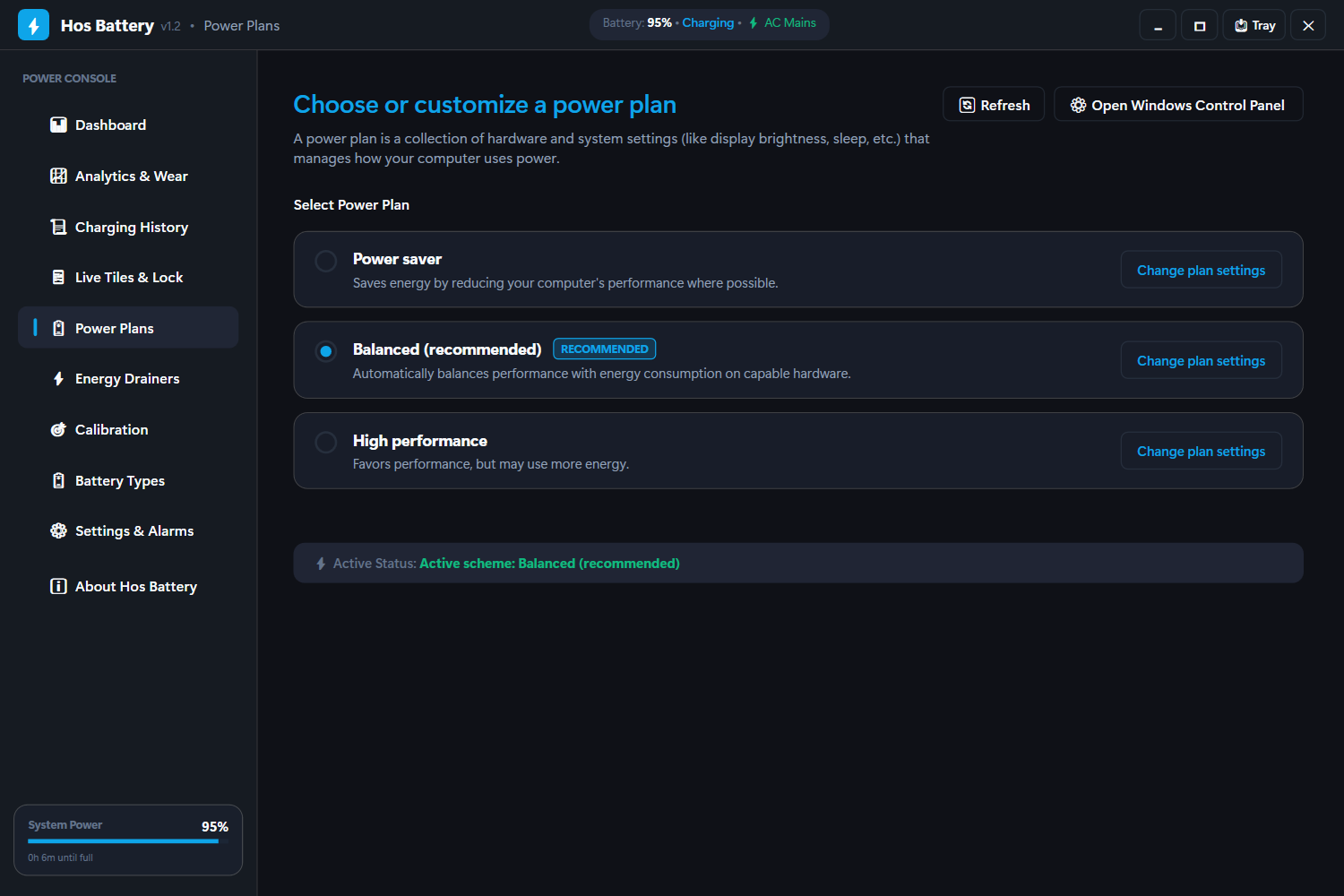
One-click plan switching plus offline smart automation: AC ↔ battery plan swap, low-battery power saver, full-charge unplug reminder.
- powercfg only — no services
- Config persisted locally
🎯 Energy Drainers
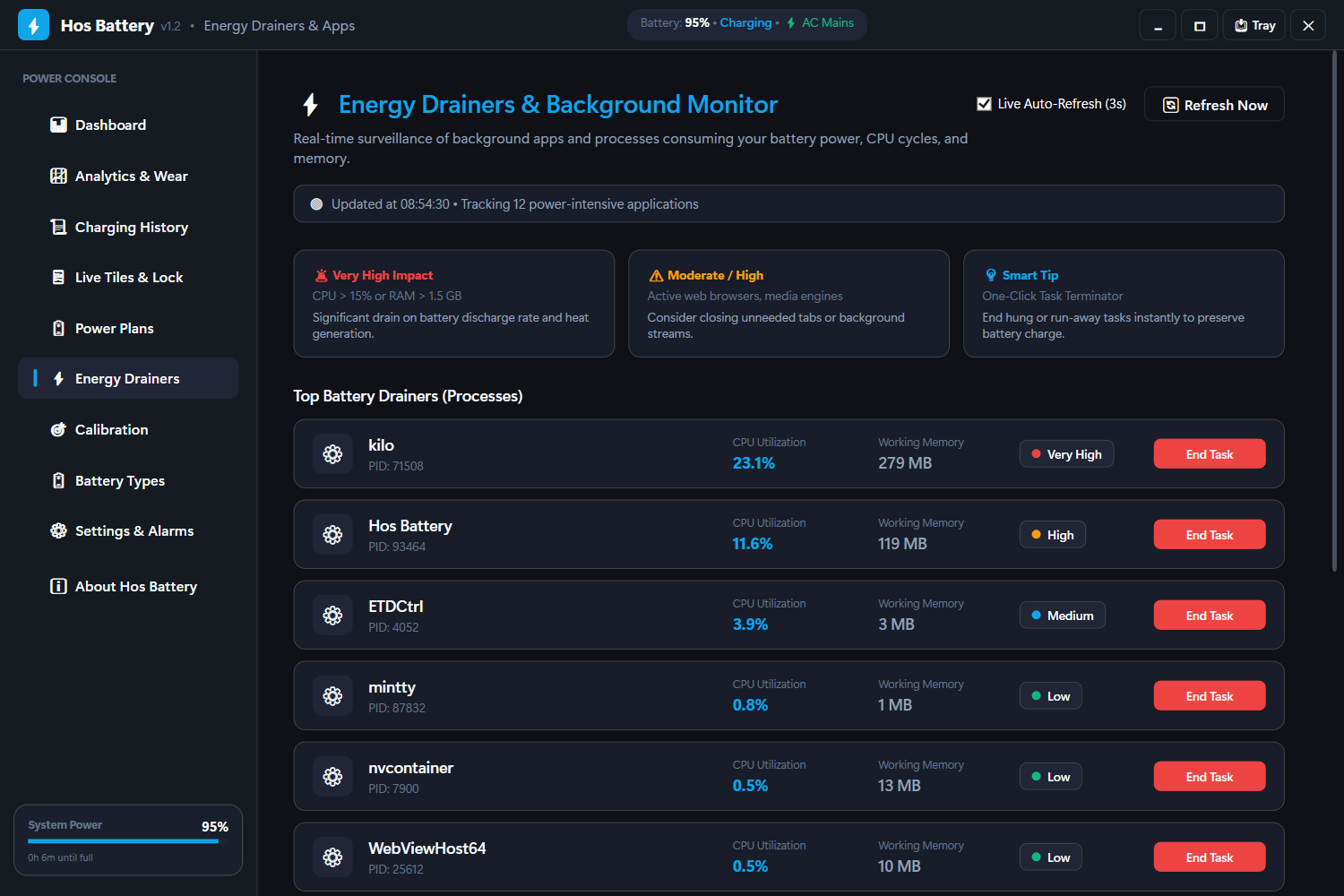
Real-time background-process CPU & memory monitor with energy-impact badges and one-click termination.
- 3s live auto-refresh
- Spot battery killers instantly
🔋 Battery Encyclopedia
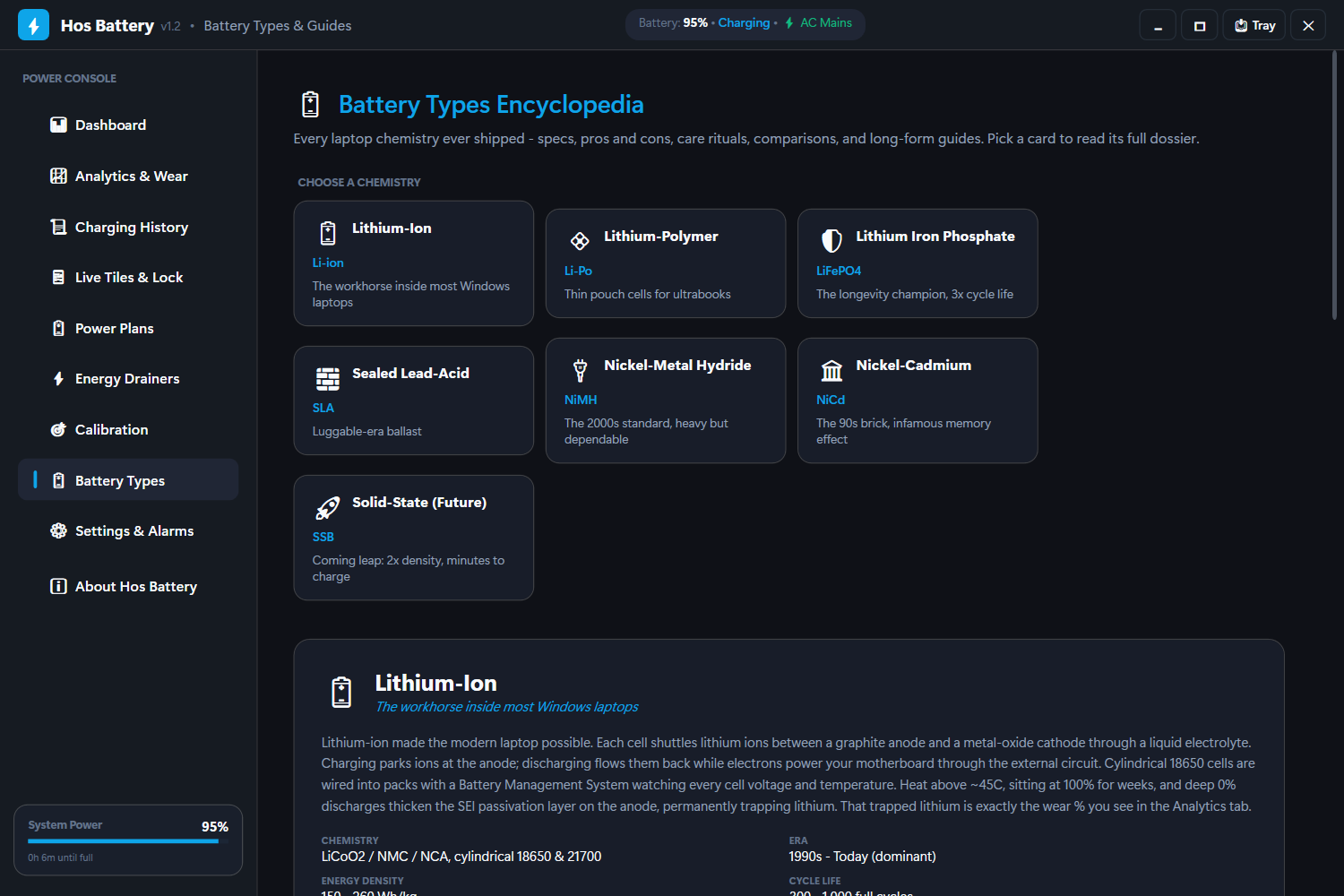
All laptop chemistries — Li-ion, Li-Po, LiFePO₄, NiMH, NiCd, SLA and future Solid-State — with dossiers, pros & cons and long-form guides.
- Side-by-side comparison table
- Care protocols per chemistry
🎯 BMS Calibration
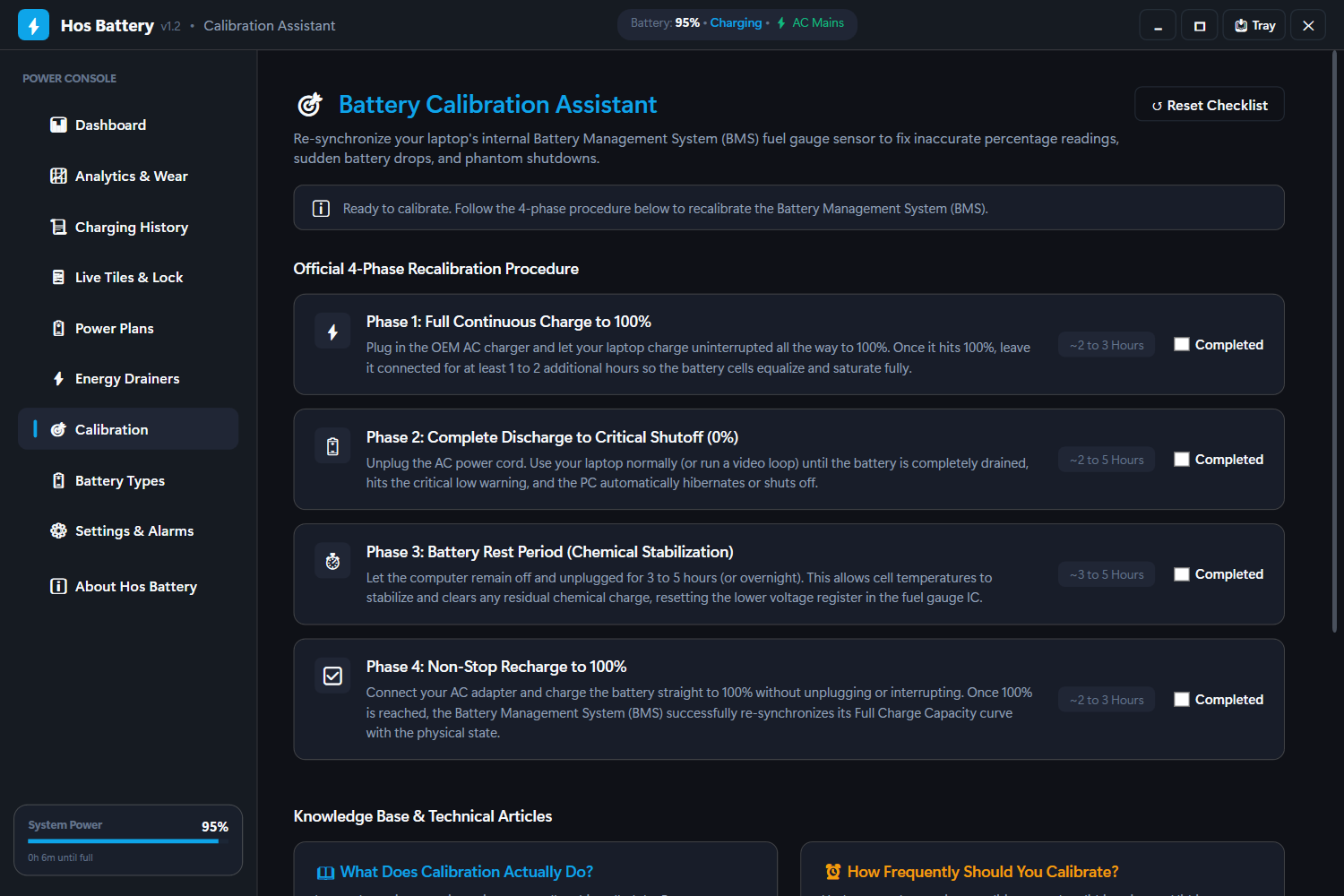
Guided 4-phase recalibration checklist that re-syncs your fuel gauge and fixes phantom percentage drops.
- Progress tracking
- Best-practice tips
🔔 Smart Alarms
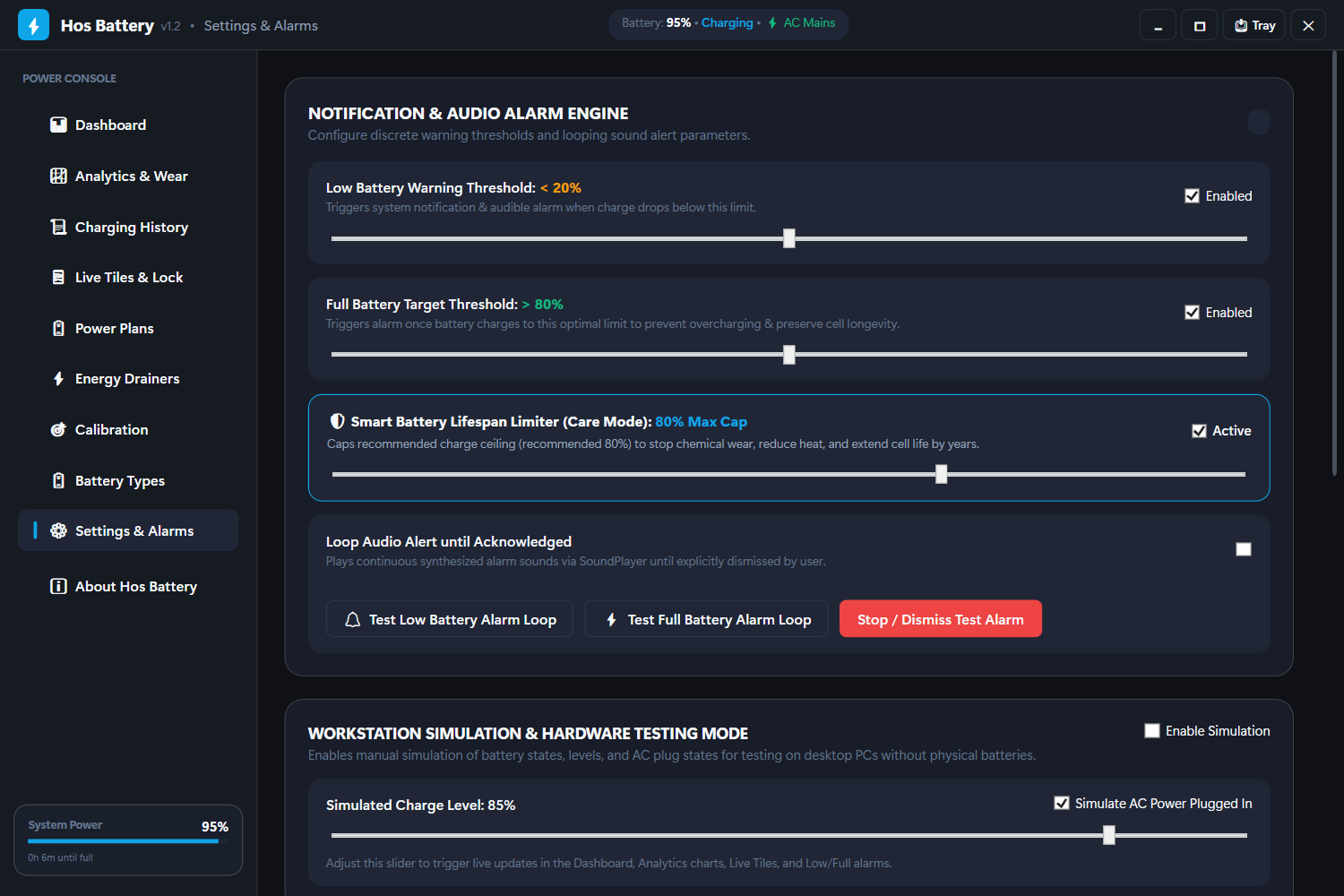
Configurable low-battery and full-charge alarms with audio + visual banners. Looping alert option, test buttons.
- Defaults: 20% low · 80% full
- Tray + dashboard notifications
💾 Backup & Restore
Zip every history, curve and settings file with one click. Restore re-imports the latest archive — nothing ever leaves your PC.
- Portable-friendly
- %UserProfile% backups
🛡️ Charge Limiter
Cap charging at 80/85/90% with alarm + optional auto power-saver, loop sound and toast actions. The single biggest lifespan win.
- Unplug reminder with actions
- Per-threshold sound + banner
📉 Wear History Chart
FullChargeCapacity vs DesignCapacity tracked over weeks and months — see degradation slope, not just today's wear %.
- Monthly wear-rate readout
- Cycle-count trend
📌 Tray Mini-Widget
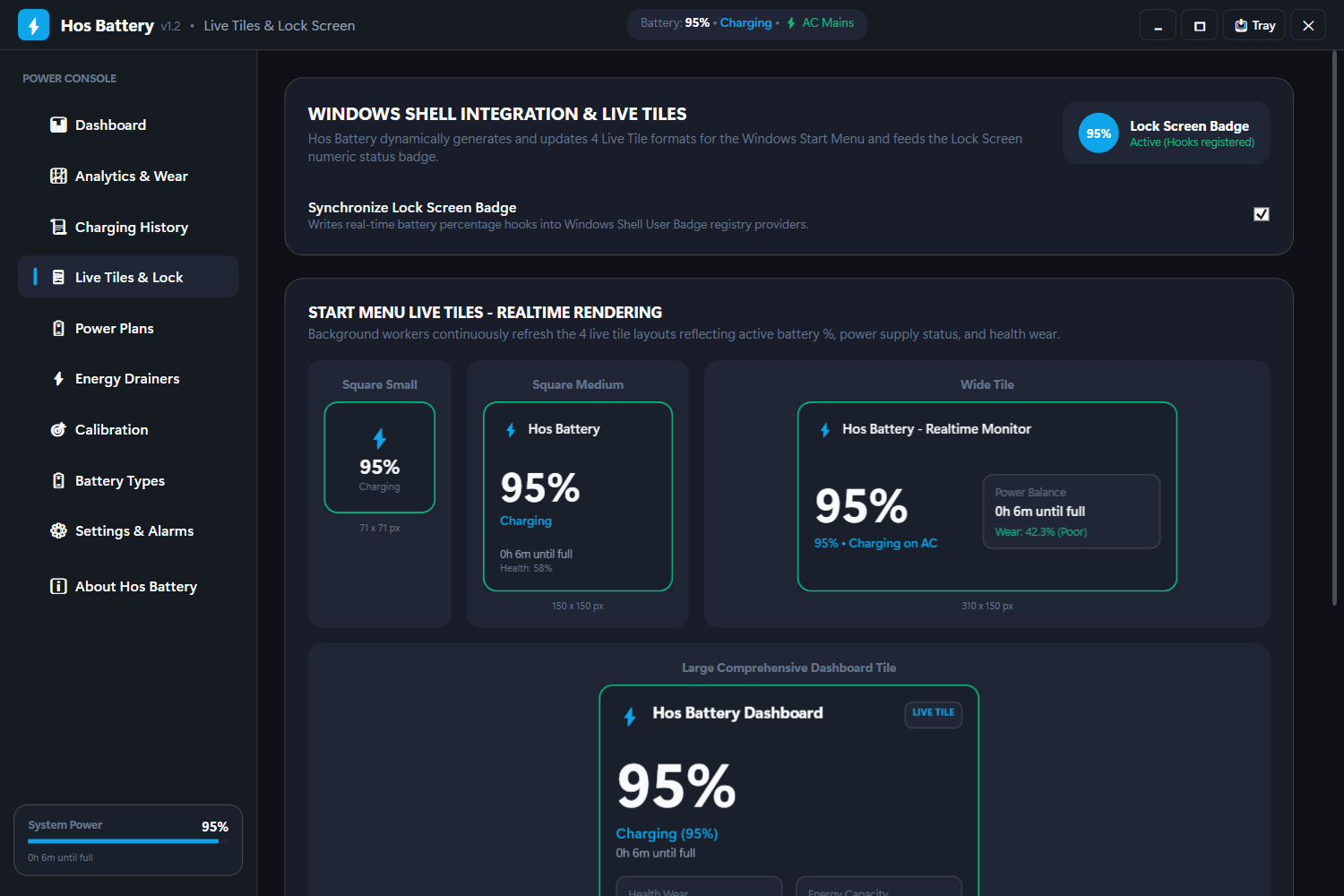
% + time-left + active plan always in the tray. Click for a flyout with curves snapshot and one-click plan switch.
- Always-visible status
- Flyout quick actions
🌡️ Temperature Guard
Battery temperature via WMI with overheat warning and auto cool-down advice. Protects cells during gaming and charging.
- Overheat alarm threshold
- Charge + heat correlation
📄 Health Certificate
One-click PDF/TXT report — design, full, wear %, cycles, forecast — perfect when selling your laptop or proving battery health.
- Shareable proof of health
- Print-ready layout
📥 BatteryReport Importer
Parse Windows' native powercfg /batteryreport into Analytics. Instant multi-week history on first run.
- Zero-setup backfill
- Merges with live logging
Your battery's future,
predicted locally.
- Composite health score /100 — current health, cycle fatigue and wear trend combined into one number.
- Wear-slope forecast — regression over your session wear: “≈ Aug 2028 at this pace (0.3% wear/mo)”.
- Remaining lifespan — cycles left vs. your real usage pace.
- Awake-time day stats — sleep gaps excluded from every tooltip.
- Charge-cap simulator ↓ — drag the cap and watch years of life gained, live.
The charge track breaks where you slept — no fake drain lines, ever.
Six new pages.
One goal: double your battery's life.
The next Hos Battery release adds the features users ask for most — charge limiting, wear history, tray widget, temperature guard, health certificates and native Windows report import.
Charge Limiter + Wear History — 80/85/90% cap alarms and FullChargeCapacity slope chart.
Tray Mini-Widget + Temp Guard — always-visible % flyout and WMI overheat protection.
Health Certificate + BatteryReport import — shareable proof-of-health and instant history backfill.
| Hos Battery | Windows | |
|---|---|---|
| Charge cap alarm | ✅ 70–100% | ❌ |
| Wear history chart | ✅ slope + forecast | ❌ snapshot only |
| Discharge curves | ✅ per-day, sleep-aware | ⚠️ raw report |
| Power automation | ✅ AC/battery swap | ❌ manual |
| Energy drainers | ✅ live + kill | ❌ |
| Works offline | ✅ 100% | ✅ |
Comparison vs. built-in Windows battery flyout + powercfg /batteryreport.
Screenshots
Click any image to zoom. Every surface themed for dark & light.
Download
Both builds are portable — unzip, double-click, done. No installer, no admin rights.
🟢 Portable
The .NET runtime is baked in. Runs on any clean Windows 10/11 x64 machine — nothing to install.
⬇ Download Portable🔵 Lite
Same features, smaller archive. Requires the free .NET 10 Desktop Runtime (x64) installed.
⬇ Download Lite🛡️ Portable · No installer · No admin rights · Release notes & checksums · Scanned before upload
FAQ
Is Hos Battery really offline?
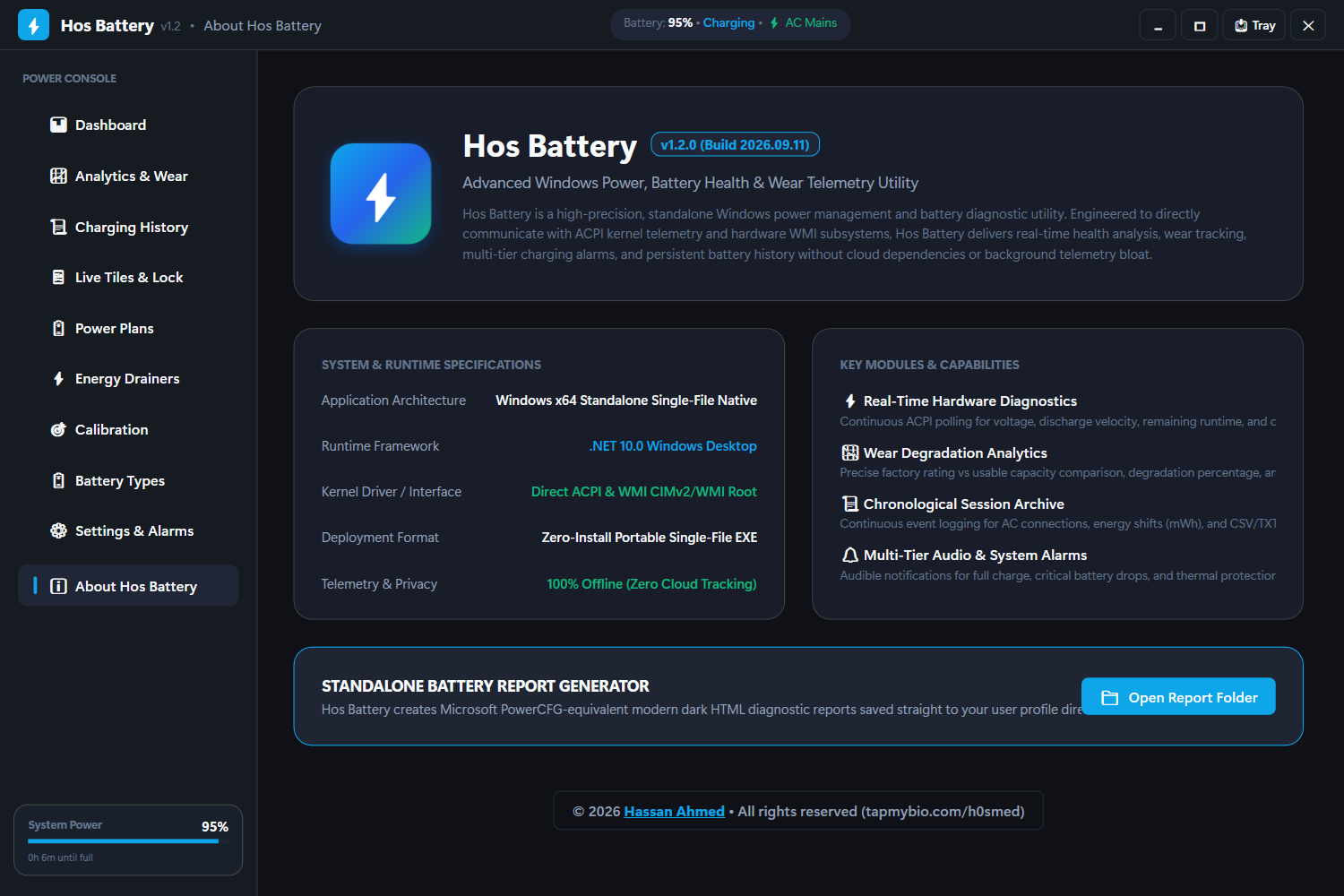
Yes — no network access, no telemetry, no accounts, no updates phoning home. Every byte of data stays in %LocalAppData%\HosBattery on your disk. Power automation uses only the built-in powercfg tool.
Portable vs Lite — which one?
Portable is self-contained (~90 MB): the .NET runtime is embedded, so it runs on any Windows 10/11 x64 machine with zero prerequisites. Lite is much smaller but needs the free .NET 10 Desktop Runtime installed once.
Does it need admin rights?
No. Run it like any normal app. Power plan automation uses powercfg, which works per-user. Auto-start with Windows is a per-user registry entry you can toggle off anytime.
Where is my data stored? How do I reset?
Everything lives in %LocalAppData%\HosBattery. Use the built-in Backup/Restore in Settings to zip it, or delete the folder for a factory-fresh state.
Why does launching the exe twice not open a second window?
By design: a single-instance guard detects the running copy, brings its window to the front and shows a notice instead of a duplicate process and second tray icon.
Can it run without a battery (desktop PC)?
Yes — Dashboard switches to a clean AC-powered desktop mode, and no fake history is recorded.
How does the charge limiter work without vendor tools?
Hos Battery alarms at your cap (70–100%) with sound, banner and toast actions, then optionally drops to Power Saver. True hardware cut-off needs Lenovo/Dell/ASUS vendor WMI — the reminder covers every other laptop and is the proven 80/20 lifespan win.
What is the Health Certificate?
A one-click report (design capacity, full capacity, wear %, cycles, forecast) you can share when selling your laptop. Export to TXT/PDF straight from History.
Can I import my old Windows battery history?
Yes — run powercfg /batteryreport, then import the HTML into Hos Battery Analytics. It backfills weeks of history on first run and merges with live logging.